
Vekto Studio — Next.js Digital Agency Template
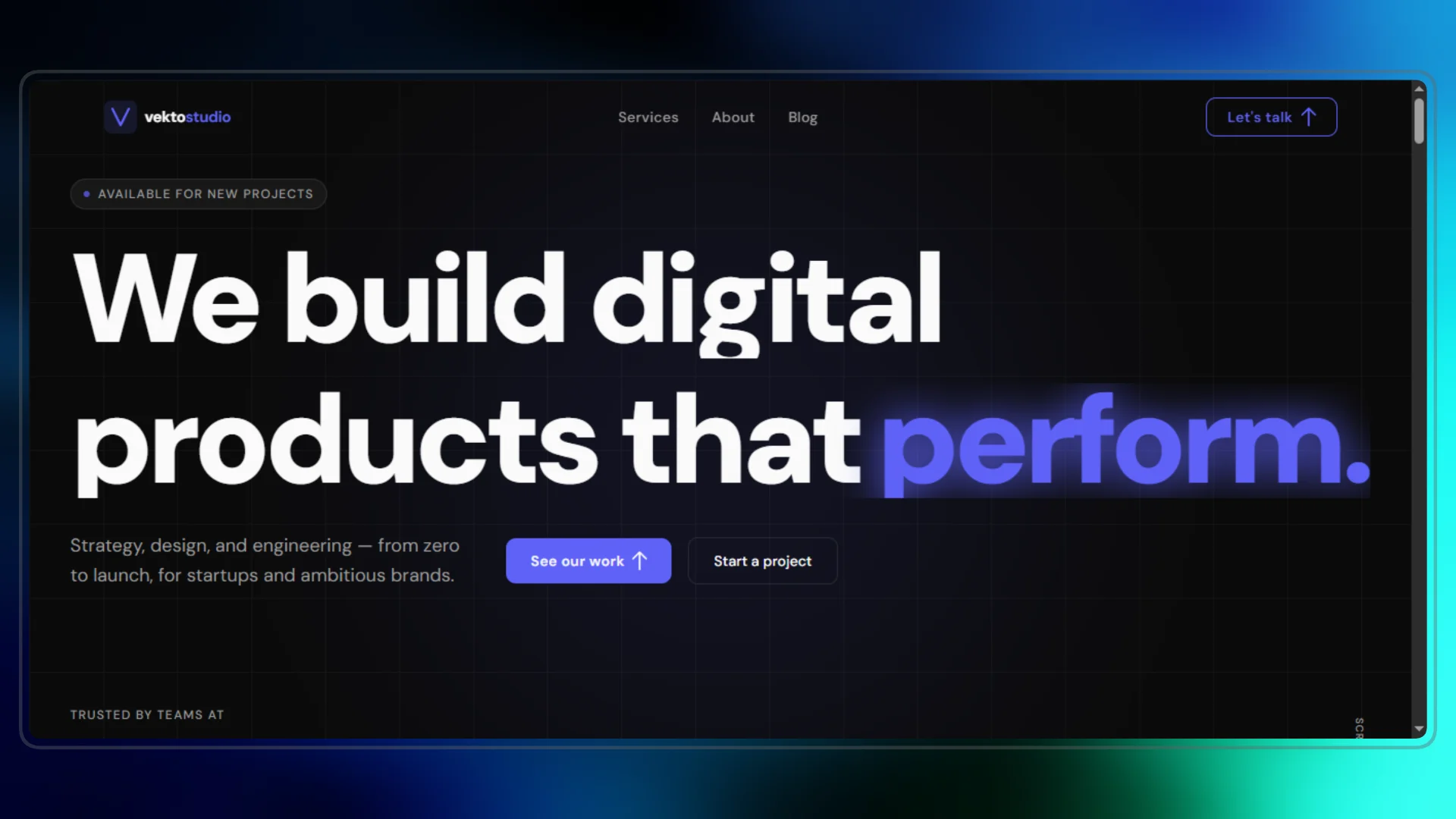
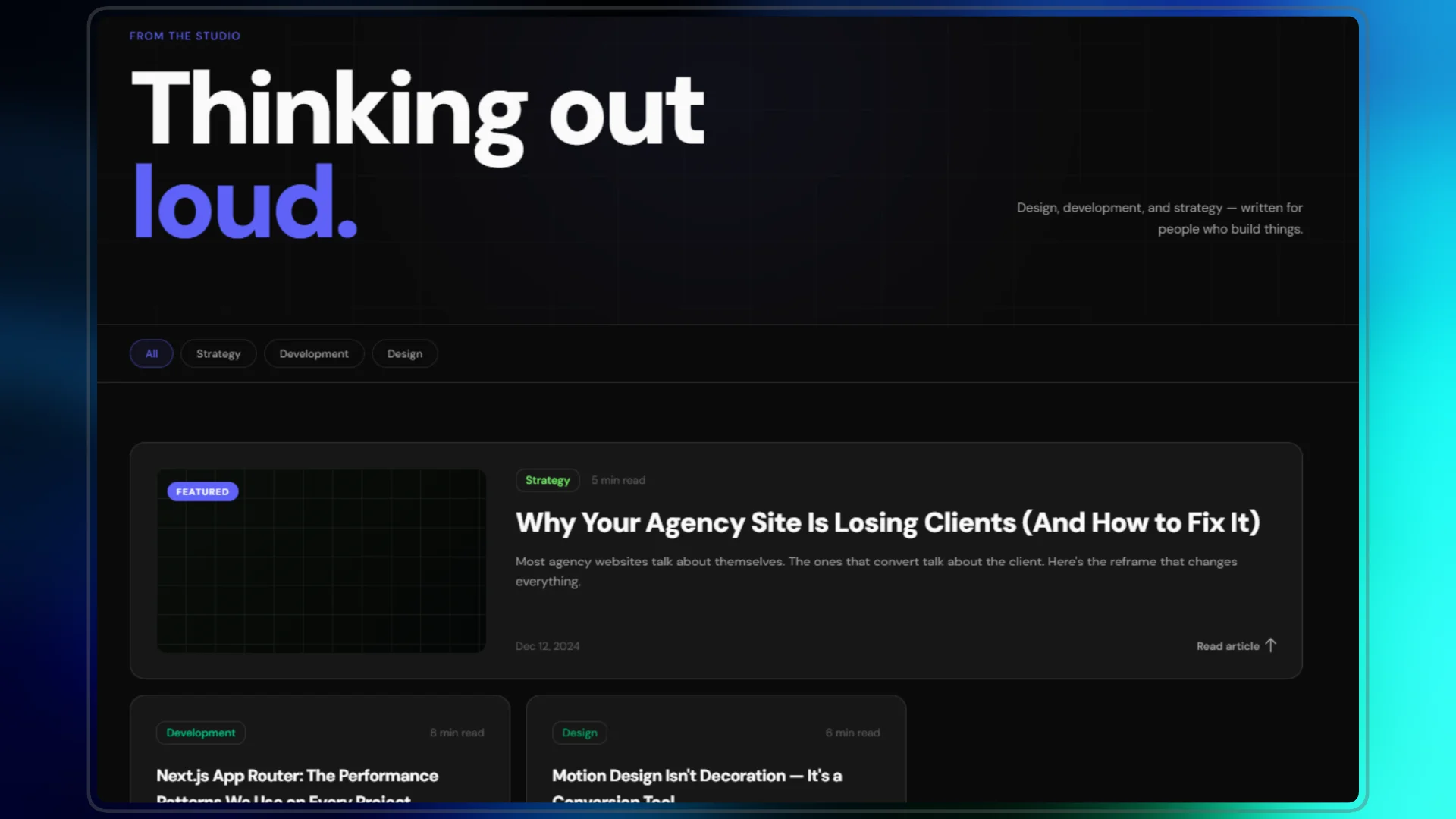
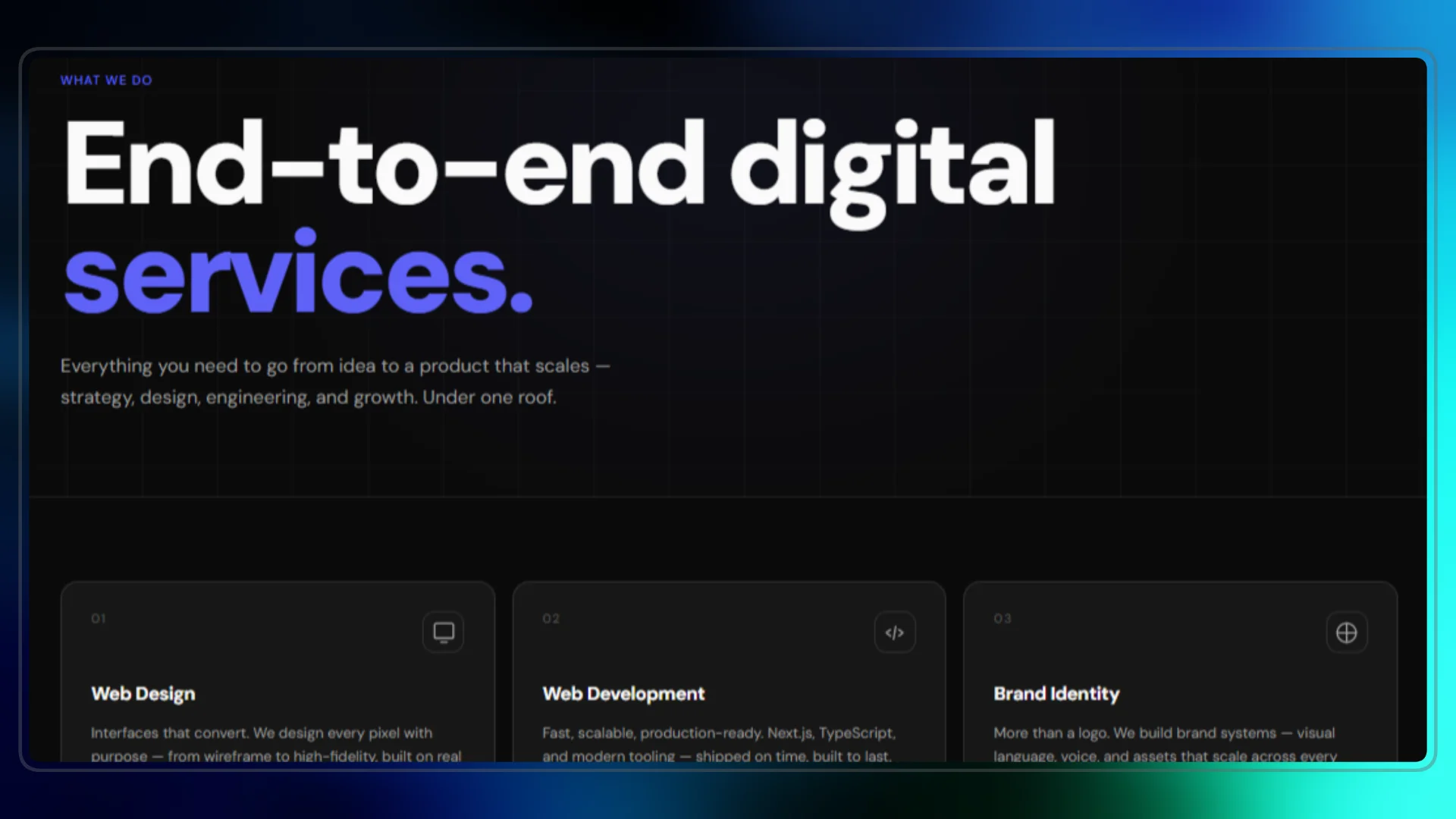
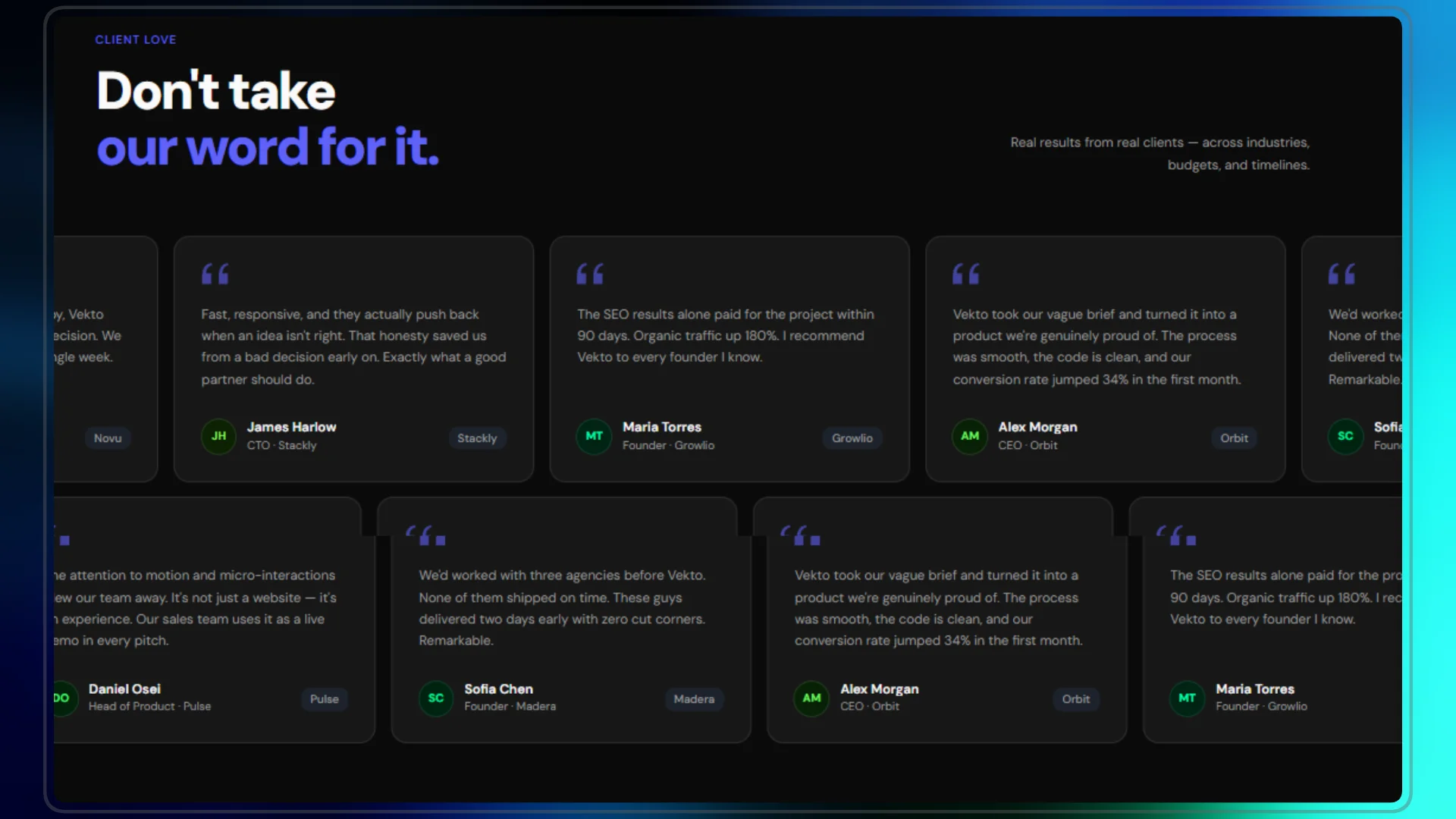
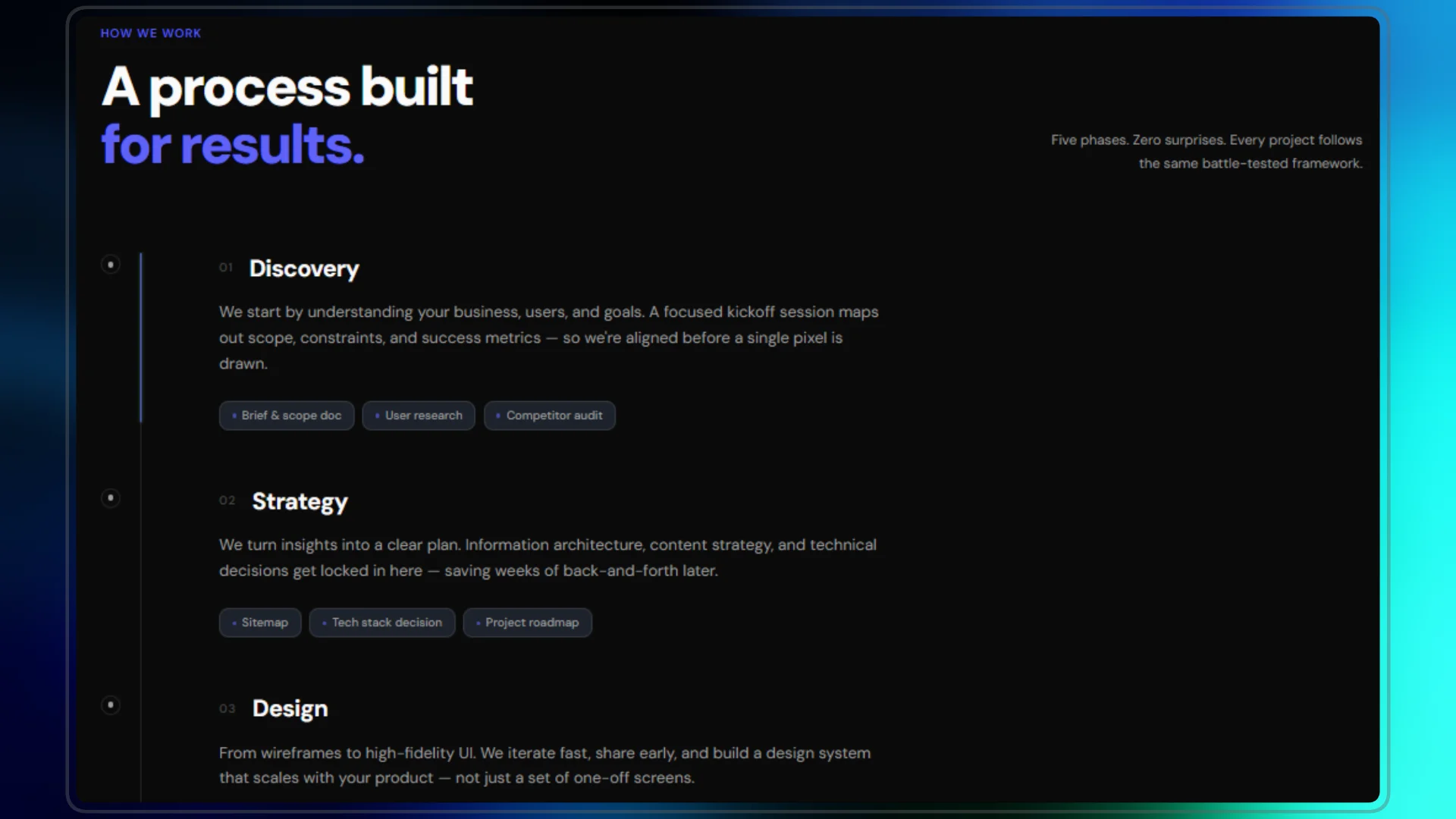
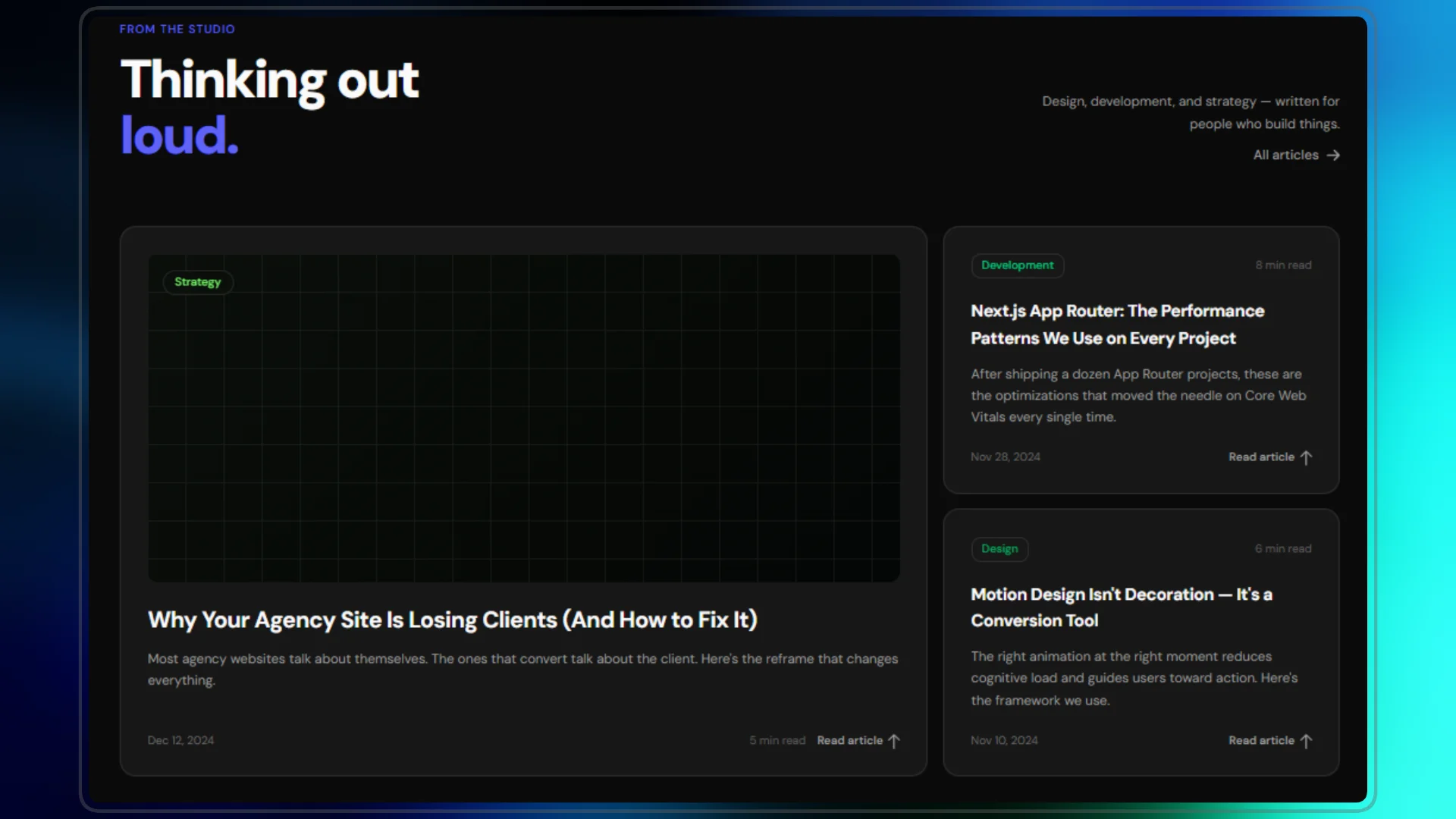
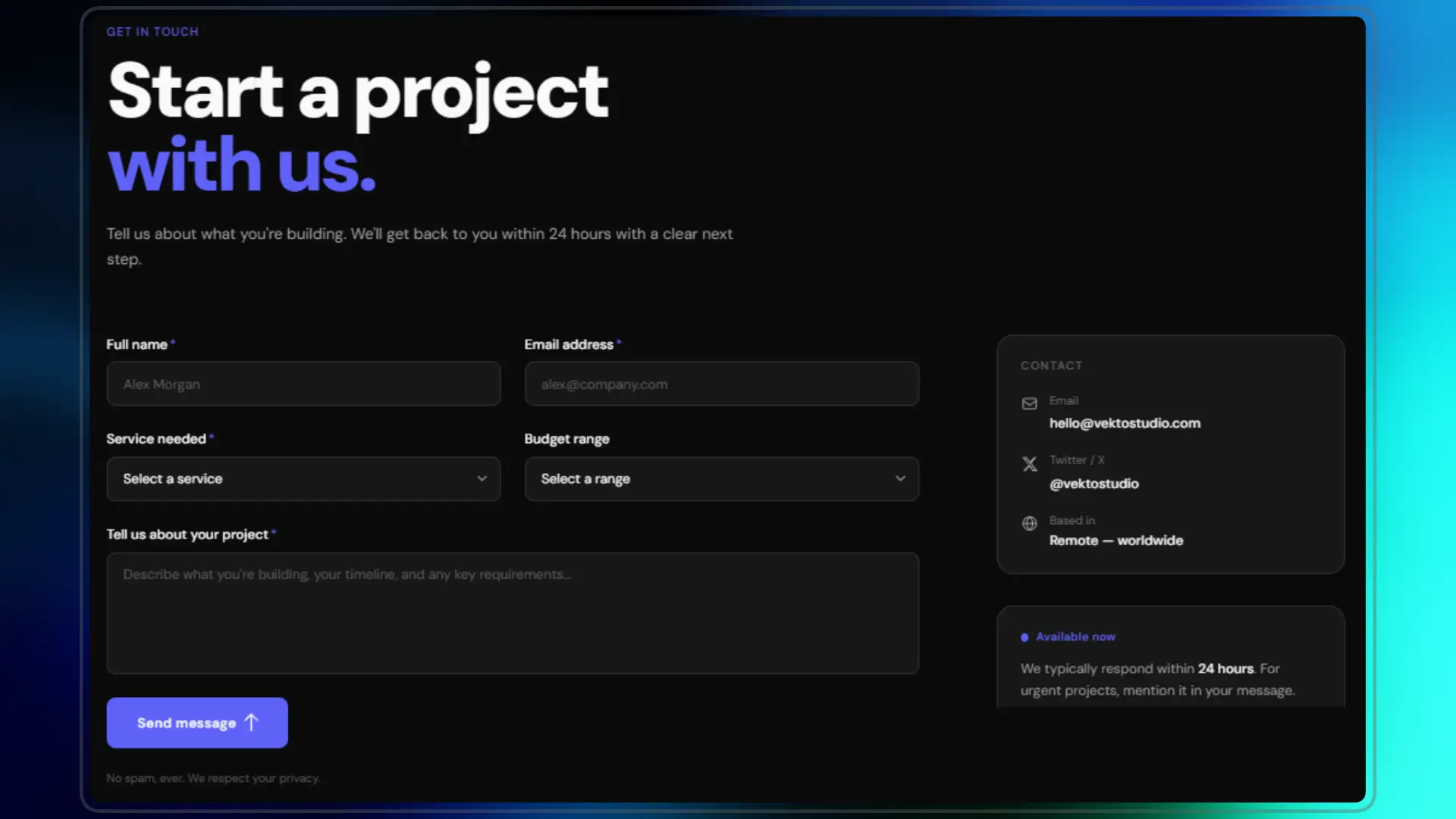
Vekto Studio is a complete Next.js 15 digital agency template built for developers and freelancers who want to launch fast without sacrificing quality. Dark, sharp, and engineered with the same visual language used by the best studios in the industry — neon green accent on near-black, heavy typography, and animations that feel intentional, not decorative. Every page is included and production-ready. Home with eight sections — hero, services grid, portfolio preview, about strip with animated counters, numbered process with a scroll-driven neon line, infinite marquee testimonials, blog preview, and a final CTA. Individual pages for About, Services (listing + detail per service), Blog (listing + full post with MDX), Contact with a working Resend integration and auto-reply, and a custom 404. Zero placeholder pages, zero unfinished sections. The code is written the way a senior engineer would write it. Server Components by default, Server Actions for the contact form, fully typed with TypeScript, Tailwind v4 with shadcn/ui CSS variables throughout — no hardcoded colors anywhere. Change the accent from neon green to any color you want by editing one line in globals.css and the entire site updates. SEO is centralized in a single lib/metadata.ts file with Open Graph, Twitter Card, and JSON-LD structured data for every page type including dynamic blog and service routes. The blog runs on MDX stored locally — no CMS account, no API keys, no monthly fee. Drop an .mdx file in content/blog/, add frontmatter, and it appears automatically in the listing and gets its own page with full Tailwind Typography styling, prev/next navigation, and a JSON-LD BlogPosting schema. The contact form sends two emails via Resend: a full inquiry to your inbox with a direct reply button, and a branded auto-reply to the sender — both dark-mode HTML templates that match the design system.

Dario Martinez
Screenshots
What's inside
A complete Next.js 15 digital agency site — every page, every section, production-ready code you can ship the same week you buy it.
Pages included:
/Home — Hero, Services, Work, About strip, Process, Testimonials, Blog preview, CTA/about— Story, team, stats with animated counters, values, CTA/services— All services grid with filtering/services/[slug]— Individual service detail — deliverables, process, related services/blog— MDX-powered listing with featured post layout/blog/[slug]— Full post page with typography, prev/next navigation/contact— Form with Server Action + Resend integration, sidebar with response info404— Custom not-found page
Tech stack
- Next.js 15 App Router — file-based routing, Server Components, Server Actions
- TypeScript — fully typed throughout
- Tailwind CSS v4 — utility-first, zero config drift
- shadcn/ui — design system with oklch color variables
- Motion (Framer Motion) — scroll-driven animations, marquee, staggered reveals
- MDX + next-mdx-remote — local blog with frontmatter, zero CMS required
- Resend — contact form sends two emails: one to you, one auto-reply to the sender
Design decisions that convert
- Neon green accent on near-black — the same palette used by Linear, Vercel, and Raycast. Immediately communicates premium
- Scroll-driven vertical line on Process — the neon line grows as you scroll through the steps. Buyers always screenshot this
- Infinite marquee Testimonials — two rows, opposite directions, pause on hover
- Card hover glows — every card has a radial gradient that activates on hover. Subtle, but buyers notice
- CountUp stats — numbers animate from 0 when they enter the viewport. Works in About and AboutStrip
- CTA shimmer button — a light sweep crosses the button on hover. 3 lines of CSS, strong visual signal
Built for real use
- Zero hardcoded colors — everything uses CSS variables from your design system. Change the accent color in one line
- SEO-ready out of the box — metadata, Open Graph, Twitter Card, JSON-LD structured data (Organization, WebSite, Service, BlogPosting) — all centralized in
lib/metadata.ts - Fully responsive — every section, every page, every component. Mobile-first where it matters
- Accessible — skip-to-content link, proper aria labels, keyboard navigation, focus states, prefers-reduced-motion support
- Fast — Server Components by default,
next/imagewith correctsizes, no unnecessary client bundles
Who this is for
- Freelancers launching or relaunching their agency site
- Developers who want a premium starting point they can customize and ship fast
- Buyers building client sites who need a template that holds up under scrutiny
What you get
- Full source code (Next.js project, ready to run)
.env.examplewith all required variables- README with setup guide, customization docs, deployment instructions
- Free updates for 6 months after purchase
Requirements
- Node.js 18+
- A Resend account (free tier works)
- Vercel or any Node-compatible host
Not included
- Sanity CMS integration (ships with MDX blog instead)
- Work/case study inner pages (home Work section included — inner pages left for your real projects)
- Authentication
Getting Started with Vekto Studio
Thanks for purchasing Vekto Studio. Here's everything you need to go from zip file to live site.
1. Unzip and install
unzip vekto-studio.zip
cd vekto-studio
npm install
2. Set up environment variables
cp .env.example .env.local
Open .env.local and fill in:
RESEND_API_KEY=          # From resend.com — free tier works
CONTACT_EMAIL=           # Where you want contact emails delivered
NEXT_PUBLIC_SITE_URL=    # Your production URL e.g. https://yourstudio.com
3. Run locally
npm run dev
Visit http://localhost:3000.
4. Customize
Your name and brand:
- Site name →
src/lib/metadata.ts→SITE_NAME - Accent color →
src/app/globals.css→--primaryoklch value - Nav links →
src/components/layout/Navbar.tsx→NAV_LINKS
Your services:
- All content →
src/lib/services-data.tsx→SERVICESarray
Your team:
src/app/about/page.tsx→TEAMarray
Your testimonials:
src/components/sections/Testimonials.tsx→TESTIMONIALSarray
5. Add blog posts
Create MDX files in content/blog/:
content/blog/your-post-title.mdx
With frontmatter:
---
title: "Post Title"
excerpt: "Short description."
category: "Development"
date: "Jan 15, 2025"
readTime: "5 min read"
---

Content here...
6. Deploy
Vercel (easiest):
- Push to GitHub
- Import repo in vercel.com
- Add environment variables in Vercel dashboard
- Deploy
Detailed docs in README.md inside the project.